debian-13.2没安装任何防火墙,如果需要使用可视化防火墙需要手动安装命令:
直接SSL运行命令
apt-get update && apt-get install -y iptables ipset如果报错可能是源不支持,需要更换源命令如下
阿里云源
cat > /etc/apt/sources.list <<'EOF'
deb https://mirrors.aliyun.com/debian/ trixie main non-free-firmware
deb https://mirrors.aliyun.com/debian/ trixie-updates main non-free-firmware
deb https://mirrors.aliyun.com/debian-security/ trixie-security main non-free-firmware
EOF
安装完成如下图所示: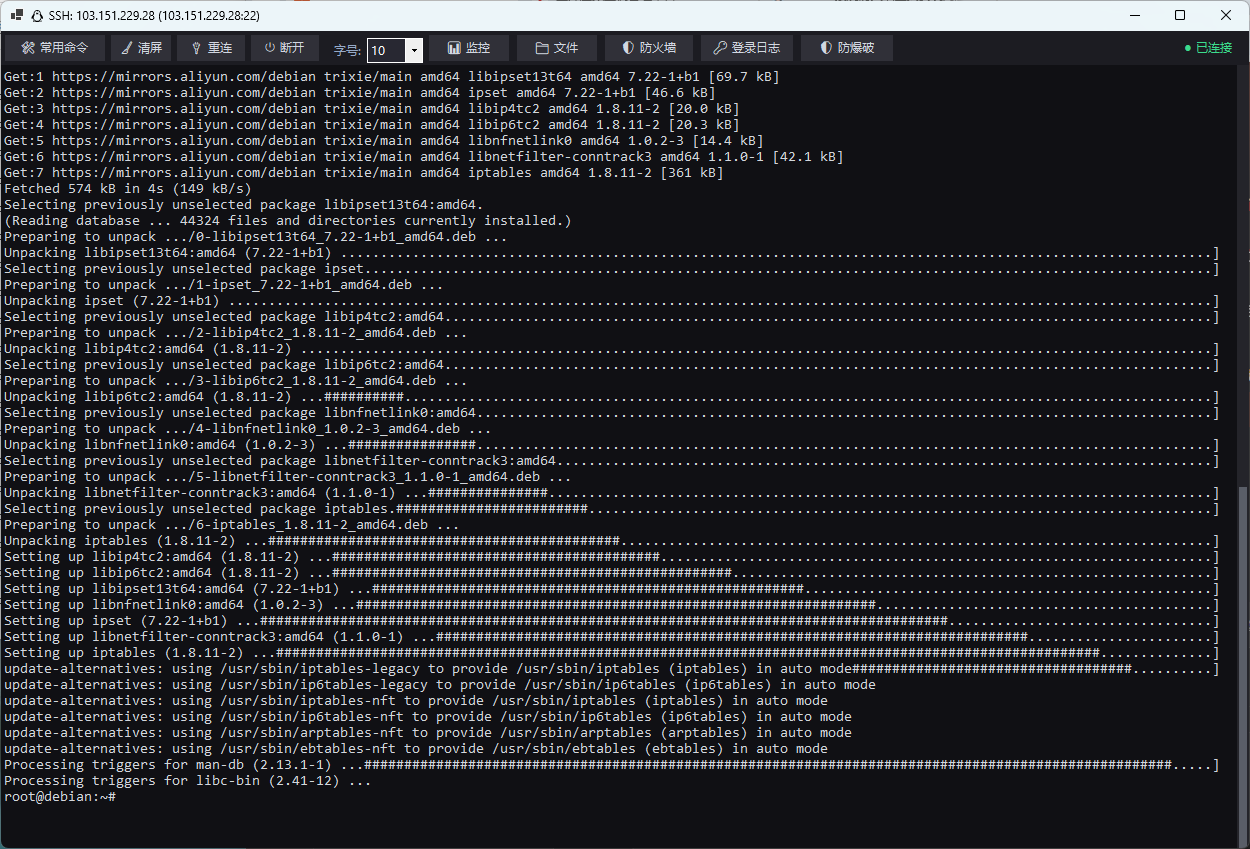
若 apt 还报 cdrom 源错,先删掉那行:
sed -i '/^deb cdrom:/d' /etc/apt/sources.list安装组件
deb https://mirrors.aliyun.com/debian/ trixie main contrib non-free non-free-firmware更新并安装
apt update && apt install -y iptables ipsetSSH终端执行
apt-get install -y ufw
ufw allow 22/tcp        # 先放行 SSH,保险(以实际端口为准)
ufw enable
完成!
评论